(For Corel Photo Paint 10)
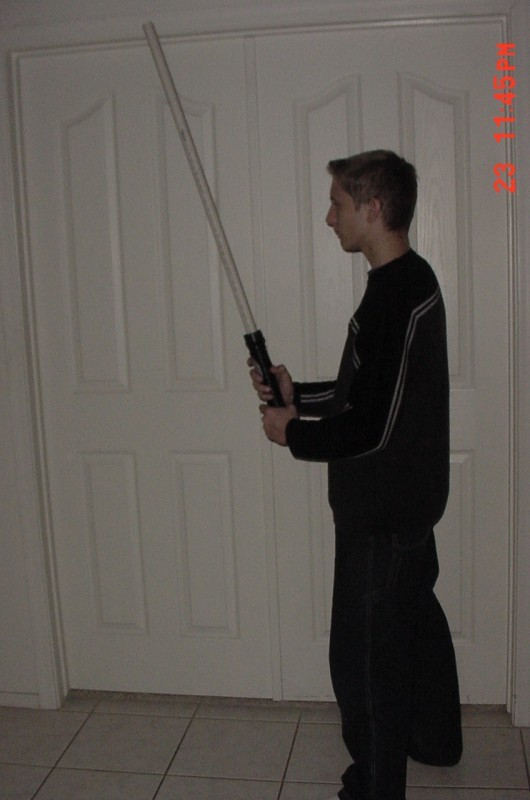
First get the image that you want to create the blade on.
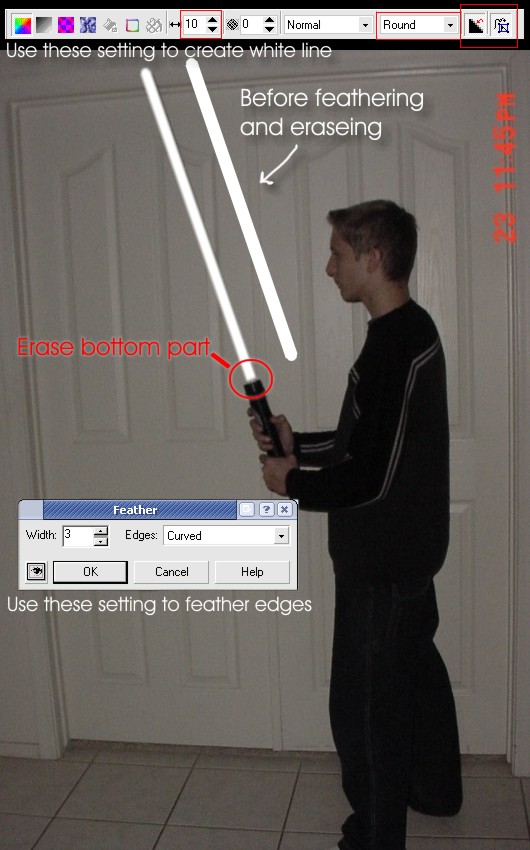
Next take the line tool and create a white line, this will be the blade of your saber.
Use these settings. (NOTE: make shure that the blade it its own object/layer and not on the background)
After that you will need to feather the eadges (CTRL+SHIFT+F) of the blade folow the directions shown in the picture above. (NOTE: Try feathering diffrent amounts for a diffrent effect.)
Next you will need to add the glow of the saber. Slect the white blade and use the drop shadow tool to add the glow. Use the setting shown in the screen shot below. (NOTE: Try expermenting with diffrent colors.)
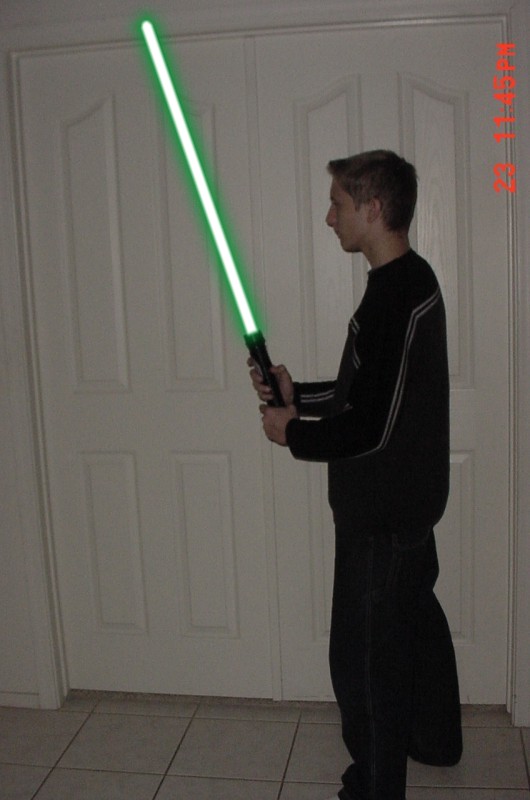
After that you are finished your final result should look like this.