Luanti Survival — Our Family Game ServerHow to install Luanti, join our Mineclonia survival world, and play well together |
|||
| Version | v1792077370 | ||
|---|---|---|---|
| Updated | |||
I set up a small game server at home so the kids, our cousins, and a
few friends can build and play together even when we are not in the same
room. This page is the short, honest guide to getting on the server:
install the right client on your device, point it at
play.dangerouswonder.org, and remember that the people on
the other end of the wire are real.
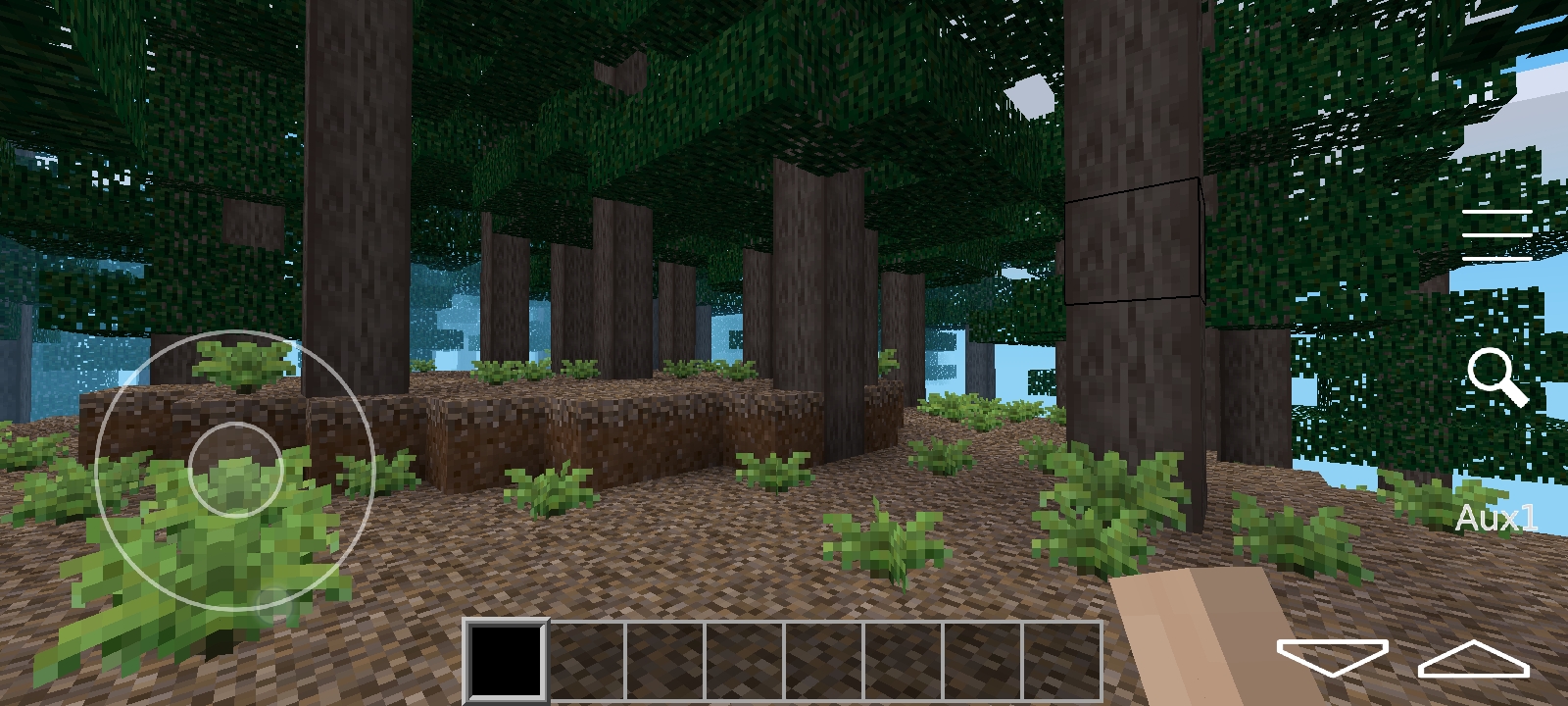
The game running on the server is Luanti (the project formerly known as Minetest) with the Mineclonia game pack, which is the closest free, open-source equivalent to Minecraft that we have found. It runs on Windows, Linux, and Android, and the kids and I have been playing on it for a few months now.
Luanti is an open-source voxel game engine - the same way Minecraft is a game, Luanti is the engine that runs games built out of blocks. Mineclonia is one of those games: it looks and feels very close to vanilla Minecraft, which is exactly what we wanted so our kids and their cousins could play together without one side having to learn a different game. Its so close that most guides for will work in Mineclonia.
The server runs at
play.dangerouswonder.org on port
30000 (UDP).
You need the Luanti client on whatever device you plan to play on. Pick the section below for your platform. (There is no first-party iOS client - the third-party options are not stable enough that I want to hand them to a kid. If you are on iOS, ask me and I will help you find a workaround or use a different device.)
.msi or .exe -
either works).The cleanest install is via Flatpak, which keeps Luanti and its
assets in their own sandbox and updates cleanly. If you would rather not
use Flatpak, your distro almost certainly has Luanti in its package
manager — apt install luanti,
dnf install luanti, pacman -S luanti, etc. —
and those work fine too.
Flatpak path:
flatpak install flathub org.luanti.luanti
flatpak run org.luanti.luanti
Once it is running, connect to the server.
Once Luanti is installed joining the server takes about thirty seconds.
play.dangerouswonder.org30000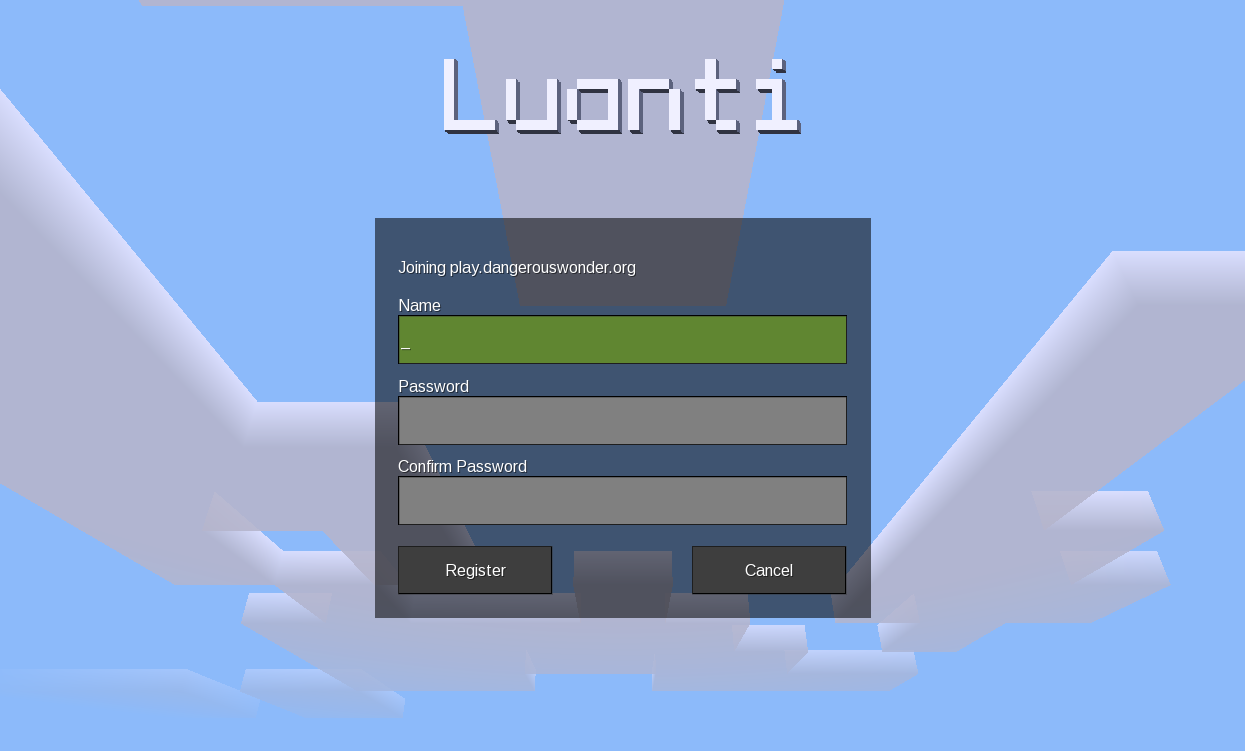
If the connection sits for a long time and times out, double-check
the port is 30000 and the address is
spelled exactly as shown above. Some home routers block UDP traffic on
unusual ports — if you can browse the web fine but the game will not
connect from your house, that is almost always what is happening. Tether
to a phone or try a different network as a quick test.
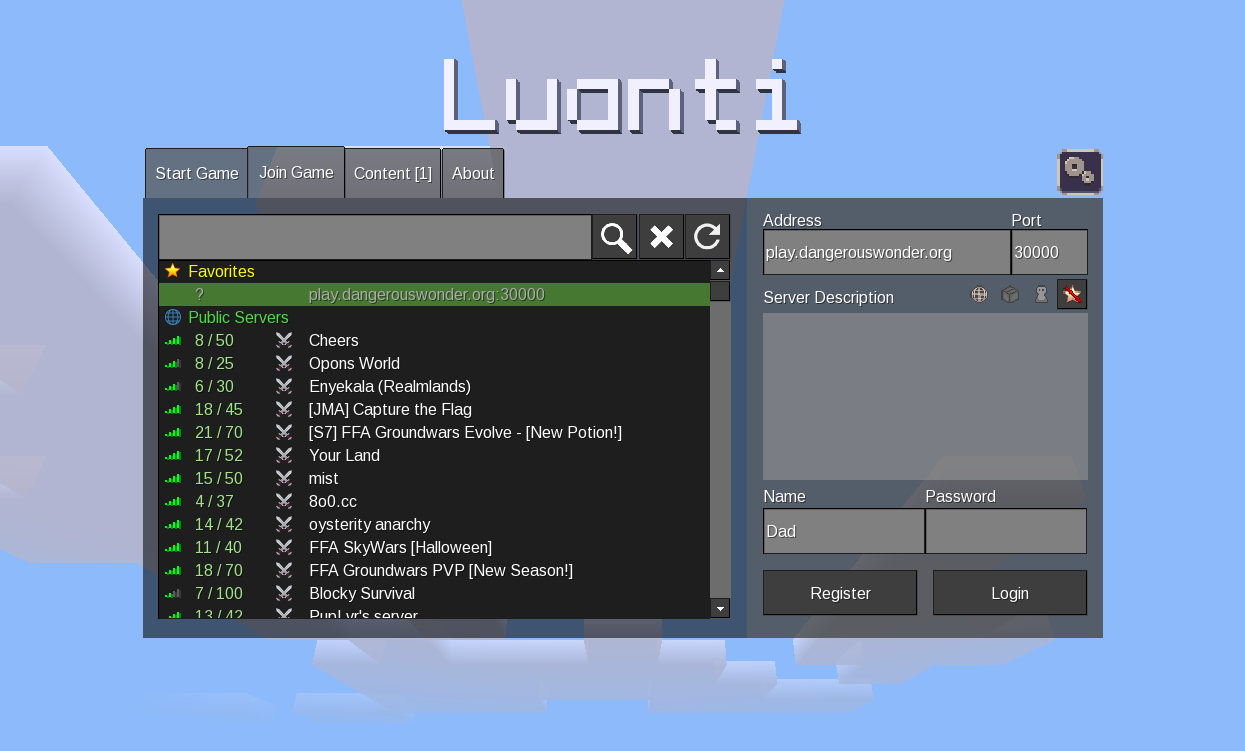
The first time you join, Luanti will download the Mineclonia mod from the server if you do not already have it installed locally. After that, joining is instant.
50 or 30 blocks.This server is a small private community of family and a few close friends. I am not running a public service, and there is no moderation team. The expectations are simple and rooted in the same thing we try to live out at home.
I have not had to remove anyone yet, and I do not expect to. The kids have been good to each other, and the cousins and friends who have joined so far have been a blessing. This page is here so the rules are written down before they need to be — not because I think we will need them.
If you have a question that does not fit on this page, message me on the family group chat or email me through the form on the main site. I would rather you ask than struggle silently.
Welcome to the server. Build something good.
| Home • Blog • 爪闩ㄒ尺工乂 • ©Copyright 2026 • |